

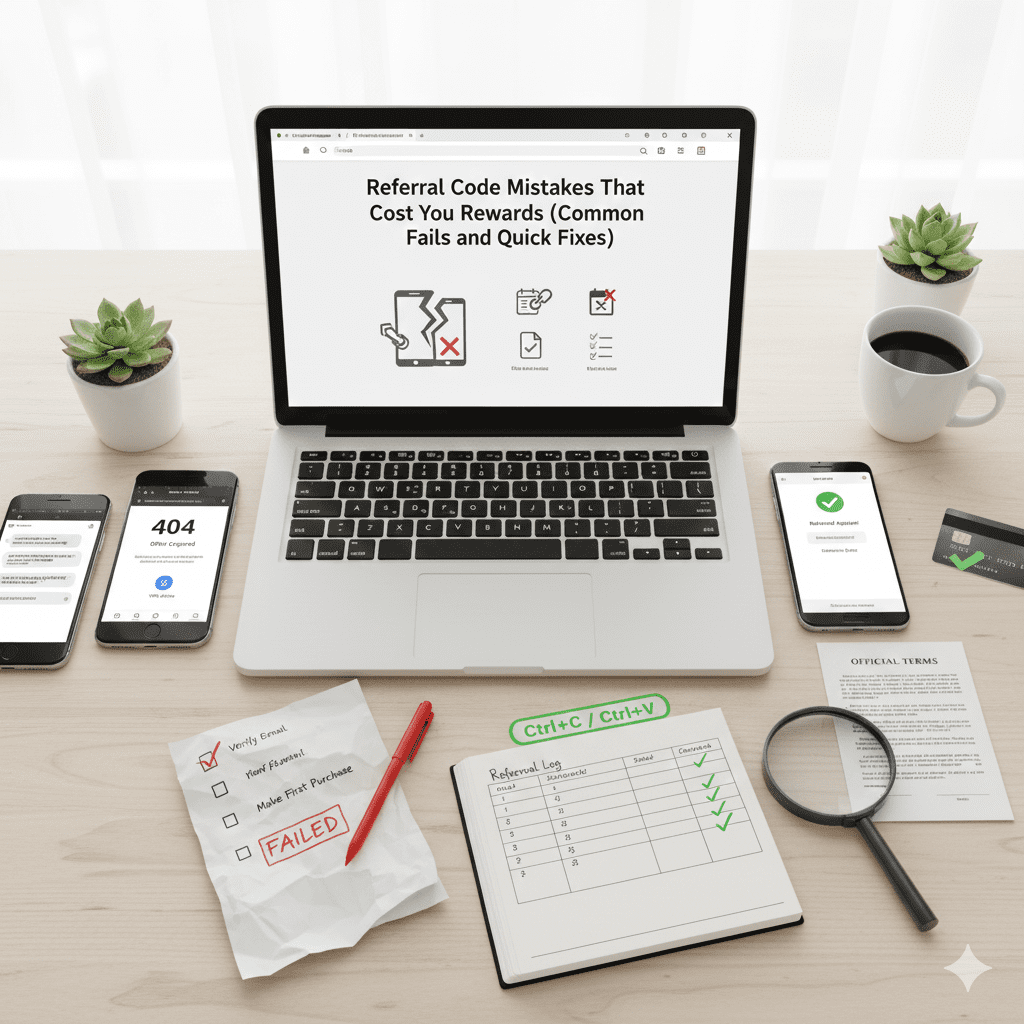
Referral Code Mistakes That Cost You Rewards (Common Fails and Quick Fixes)
Referral programs sound simple: share a code, your friend signs up, you both get rewards. Then nothing shows up, and you’re stuck wondering if you did something wrong or if the app “lost” it.
Most referral code mistakes aren’t big. They’re small rules and tiny tracking details that are easy to miss, especially when you’re signing up fast or switching between devices.
This guide covers the most common problems that block rewards (wrong link, expired offer, missing steps), plus quick fixes you can try right now. You’ll also learn how to troubleshoot fast, collect proof without stress, and avoid losing referral rewards the next time you share a code.
The most common referral code mistakes that block your reward
When a referral doesn’t track, it usually comes down to one of three things: the wrong code or link, an offer that isn’t valid anymore, or a step that didn’t fully complete. The tricky part is that the app often won’t tell you which one.
Wrong link or wrong code: Why it happens
This is the classic mistake: you used “a link,” but not the referral link.
What it looks like: Your friend sends you their homepage link, you sign up, and the reward never appears. Or you copy a code from a text, but one character gets missed (O vs 0, I vs l).
Why it fails: Many referral systems only credit signups that start from a special tracked URL, not from a normal homepage visit. And some codes must be entered exactly once, at a specific screen, during signup.
⚡ Quick fixes that work:
- Compare the URL before you start. Referral links often include extra bits like
ref=,invite=,code=, or similar parameters. - Copy and paste, don’t re-type. If you must type, double-check for missing characters.
- Avoid in-app browsers (like opening a link inside social apps). Those can drop tracking. Open the link in your default browser instead.
- Stay on one device for the whole flow. Clicking a referral link on your phone, then signing up on your laptop is a common way to lose attribution.
- Ask the referrer to re-send the link using the app’s Share or Invite button, not by copying from their address bar. App share links are usually the “real” tracked links.
Reality check: if you never saw a referral confirmation screen (even a small note like “Referral applied”), treat it as untracked until proven otherwise.
Expired offer, regional limits, and promo changes
Referral promos change more than people expect. A code can still “work” for signup, but the reward terms may have changed, or you may not qualify.
What it looks like: Your friend swears the reward is $50, but you only see $10, or you see nothing at all. Or the offer page won’t load and redirects to a generic signup.
⚡ Quick fixes:
- Check the current terms inside the app, not in an old message thread.
- Try a fresh link generated today.
- Confirm both people are in eligible regions (some apps require both referrer and friend to be in the same country/state).
- Don’t rely on old screenshots. They don’t update when terms change.
If the referral offer is tied to a holiday promo or a “48-hour bonus,” treat it like fresh food. If it’s old, assume it might not be safe.
Missing steps that make the referral “not count”
Most referral rewards are not based on “someone signed up.” They’re based on a tracked event, like verification, first purchase, or a minimum spend. If that event doesn’t happen (or doesn’t register), the referral stays stuck in limbo.
Skipped requirements: Email, KYC, and Purchases
This is where people lose rewards even with the correct link.
What it looks like: You signed up, but the reward says “pending,” “incomplete,” or never appears. Or the referrer sees you as “invited,” but not “qualified.”
📋 Quick checklist before you contact support:
- You used the referral link or entered the code at the right time.
- Your email and phone show as verified in settings.
- Any required ID check shows “approved,” not “submitted.”
- You completed the required action (order, deposit, ride) within the time limit.
- Your qualifying transaction wasn’t refunded, canceled, or charged back.
- You checked the referral status page for “pending” timing rules.
Note: If there’s a minimum spend, watch out for coupons or gift cards. Some programs don’t count those toward the threshold.
Tracking and device issues
Even when you do everything right, tracking can break. Referral systems often rely on cookies, app attribution, and a clean path from click to signup.
Why it fails: Common causes include private browsing, ad blockers, VPNs, or clicking the link but downloading from the app store manually later without returning through the link.
⚡ Quick fixes:
- Start over from the referral link and complete signup in one sitting.
- Use one device from click to completion.
- Turn off ad blockers for the signup page.
- Avoid VPNs during signup and the first qualifying action.
- If the app shows a place to enter a code, enter it immediately and screenshot the confirmation.
How to troubleshoot and get your referral reward credited
Some referral programs won’t back-credit rewards if tracking failed. Many will, as long as you provide clean details and you didn’t break rules like duplicate accounts.
A 10-minute referral reward checklist
- Confirm eligibility (new user rules, region rules, time window).
- Confirm the exact link or code used.
- Confirm required steps are complete (verification, purchase).
- Check the app’s referral status page for “pending” status.
- Wait the stated pending period.
- Search your email for signup and order confirmations.
📫 What to send support to speed things up:
A good support message is short and packed with facts:
- The referral code or link.
- Your account email (and referrer’s email/username if allowed).
- The date and time you clicked the link and signed up.
- The qualifying transaction ID (order number, ride ID).
- Screenshots of the offer terms and your completed step.
What NOT to do: Don’t create duplicate accounts, don’t spam tickets, and don’t attempt self-referrals (which can lead to bans).
Conclusion
Most lost referral rewards trace back to four issues: wrong link or code, an expired or restricted offer, missing required steps, or tracking problems. The fastest fixes are usually simple: use a fresh referral link, follow the terms in the app, and complete every required step on one device in one session.
Save your own referral reward checklist, take a screenshot of the offer terms before you start, and keep your confirmation emails and receipts. The next time a reward goes missing, you’ll have proof ready and a clear path to get it credited.