

How to Share Referral Links on Social Media
Social media is one of the easiest ways to get the word out about your referral links. Every platform—from Facebook to TikTok—is packed with pockets of people just waiting to discover a new way to earn rewards or snag a discount.
Not sure where to start? Here’s how to make your links stand out (and avoid looking like spam):
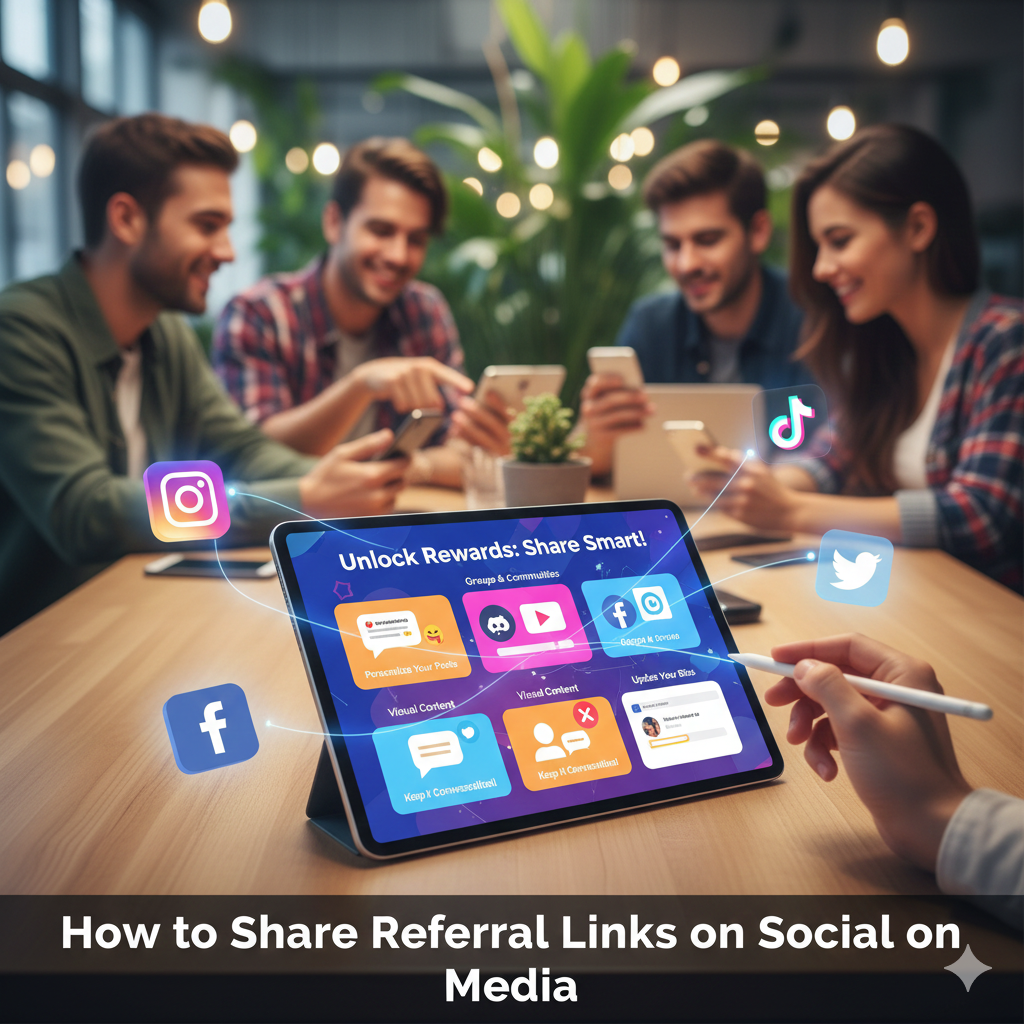
- Personalize Your Posts: Don’t just paste your referral link and call it a day. Instead, add a quick explanation—like how you used the service or what perks you received—to give your audience a reason to care (and click).
- Share in Groups and Communities: Facebook groups, subreddits, and Discord channels often have dedicated spaces for sharing deals and referral codes. Just make sure to follow the group’s guidelines before posting.
- Engage With Visual Content: Create simple graphics for Instagram or short, punchy videos for TikTok and YouTube. Visuals help your link blend with the platform while still catching eyes.
- Keep It Conversational: If you’re active on Twitter or LinkedIn, weave your referral mention into an everyday conversation or answer to someone’s question to make it feel natural—and not like a sales pitch.
- Update Your Descriptions and Bios: Place your link in the bio or description sections of your profiles, especially on platforms like Instagram and YouTube where clickable links aren’t allowed everywhere.
With a little creativity, social media can turn a single referral link into a snowball of extra perks—just remember, nobody likes a spammy feed, so mix it up!